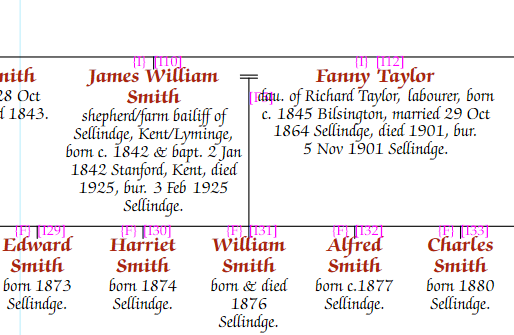
By default, children descend from the family bar linking both parents. When only one parent is in the database and that parent has no other spouses, children descend directly from that person:
If the parent later married someone else, the children are split out to descend from the relevant family. Setting the first family’s status to "Never Married" keeps the children tucked under the parent rather than showing an unknown partner.
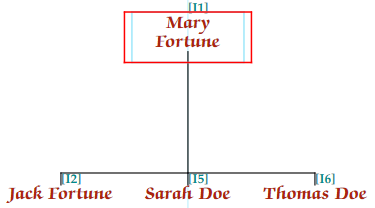
You can control which children are tucked under a parent from the Person tab of the Chart Properties panel. Click the … button next to Tuck kids under, uncheck "Automatic", then select which family groups should be tucked. This affects only the current chart.
See also Adding illegitimate children for how this can be set up when first adding a child.