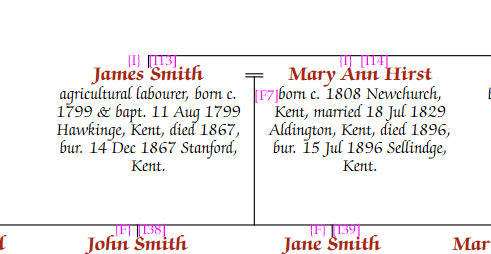
By default, spouses are shown side by side if they have children or if meaningful information is known about the spouse:
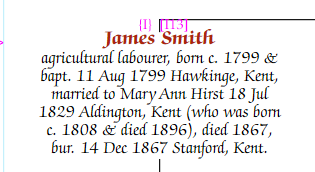
If a spouse has no children and only a name recorded, they are automatically "folded" into the same box as their partner:
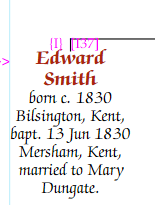
You can override the default for any person. In editing mode, right-click on the descendant (the person linked to parents above) and choose "Always fold spouse" or "Never fold spouse". These can also be set from the Person tab of the Chart Properties panel.