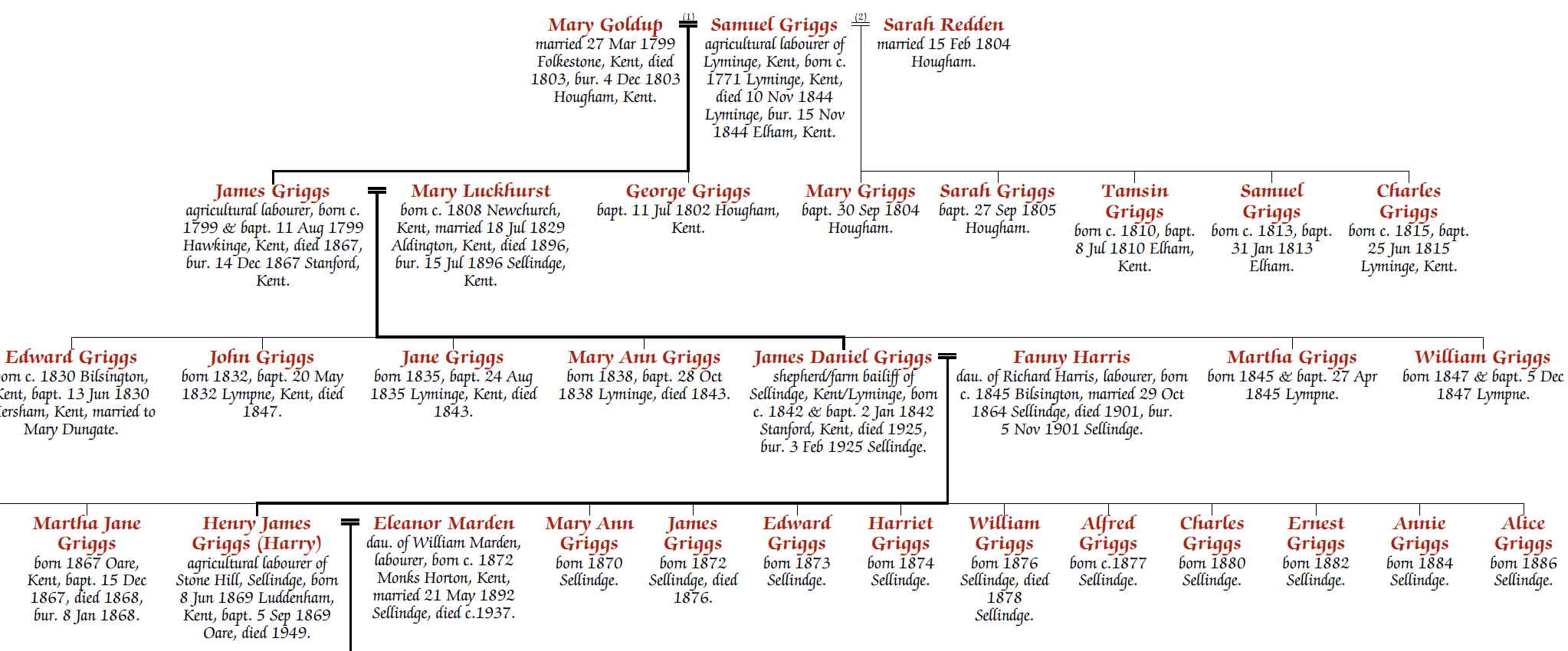
The line of interest feature highlights a particular path through the chart — typically the direct ancestral line — with a thicker connecting line:
To enable this, open the chart for editing and select each person along the path in turn. For each one, check the Line of interest checkbox on the Person tab of the Chart Properties panel.
Every person along the intended path must be flagged individually. This gives you precise control over exactly where the thicker line appears.
The line of interest works on descendant, ancestor, and hybrid charts.