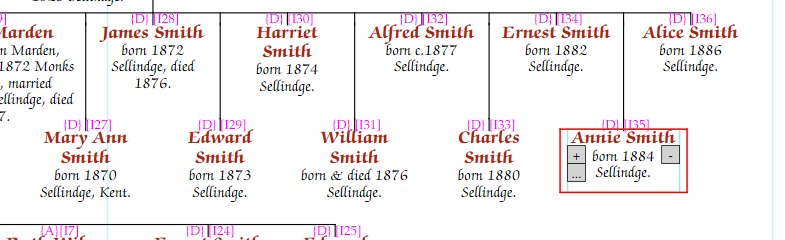
Siblings can be made to be staggered, with some one row down as usual, and others another row down. As before, select a sibling, and use the “…” button, or right click, then click “Drop 1 row” from the pop-up menu. You would probably do this for every other sibling:
This can be cancelled by using the “…” button/right-clicking and “Clear extra drop” from the menu. It is often useful to also change the row height (see relevant section).