Pedigree Forge
Genealogy software for Windows.
I’m a professional genealogist. I created Pedigree Forge because nothing available produced charts and reports good enough to hand to a client, and because tracking sources — the thing professional work rests on — was slow and awkward. It’s what I use every day.

What it does
Pedigree Forge records your family history research — the people, the events, the places, and the records behind them — and produces family charts and written reports from it. It covers the whole of the work, from the first note about a person to a finished, printed family history.
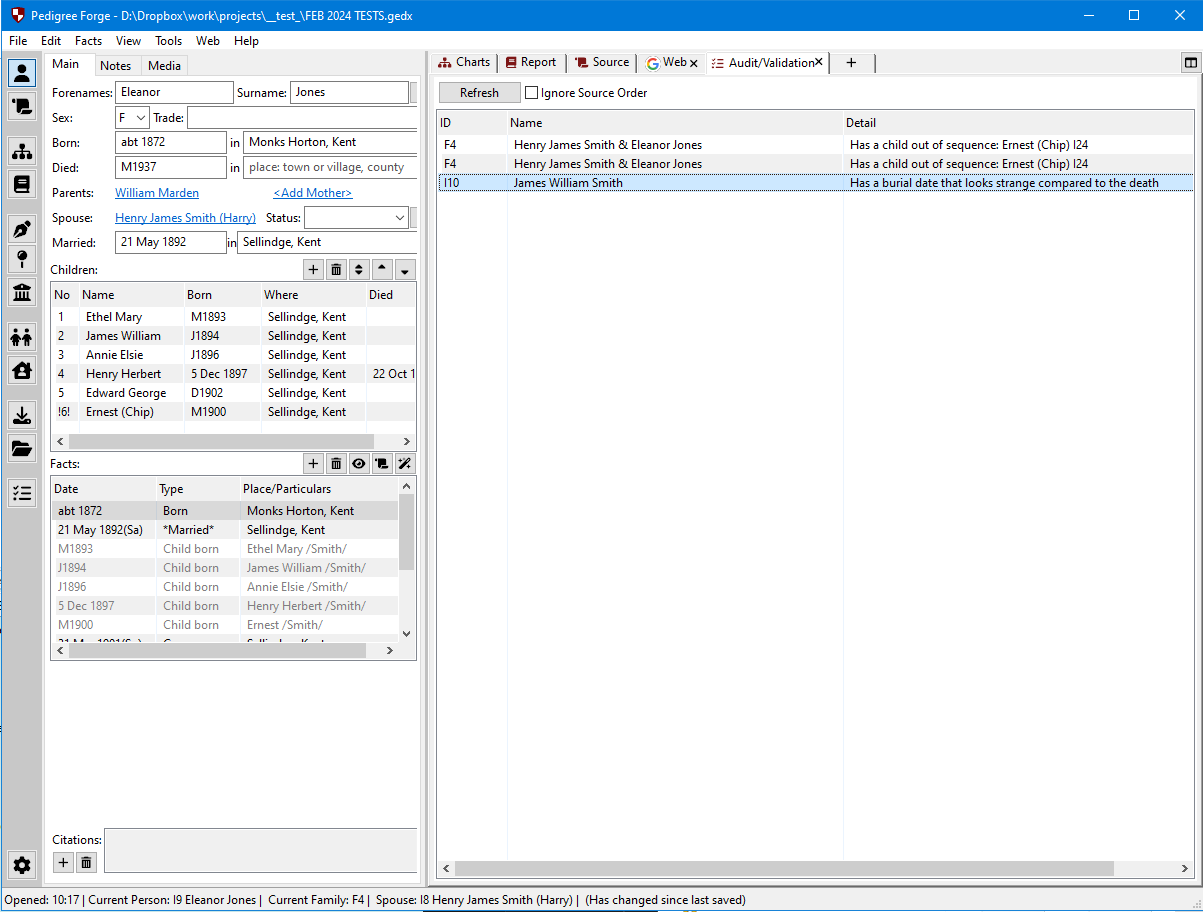
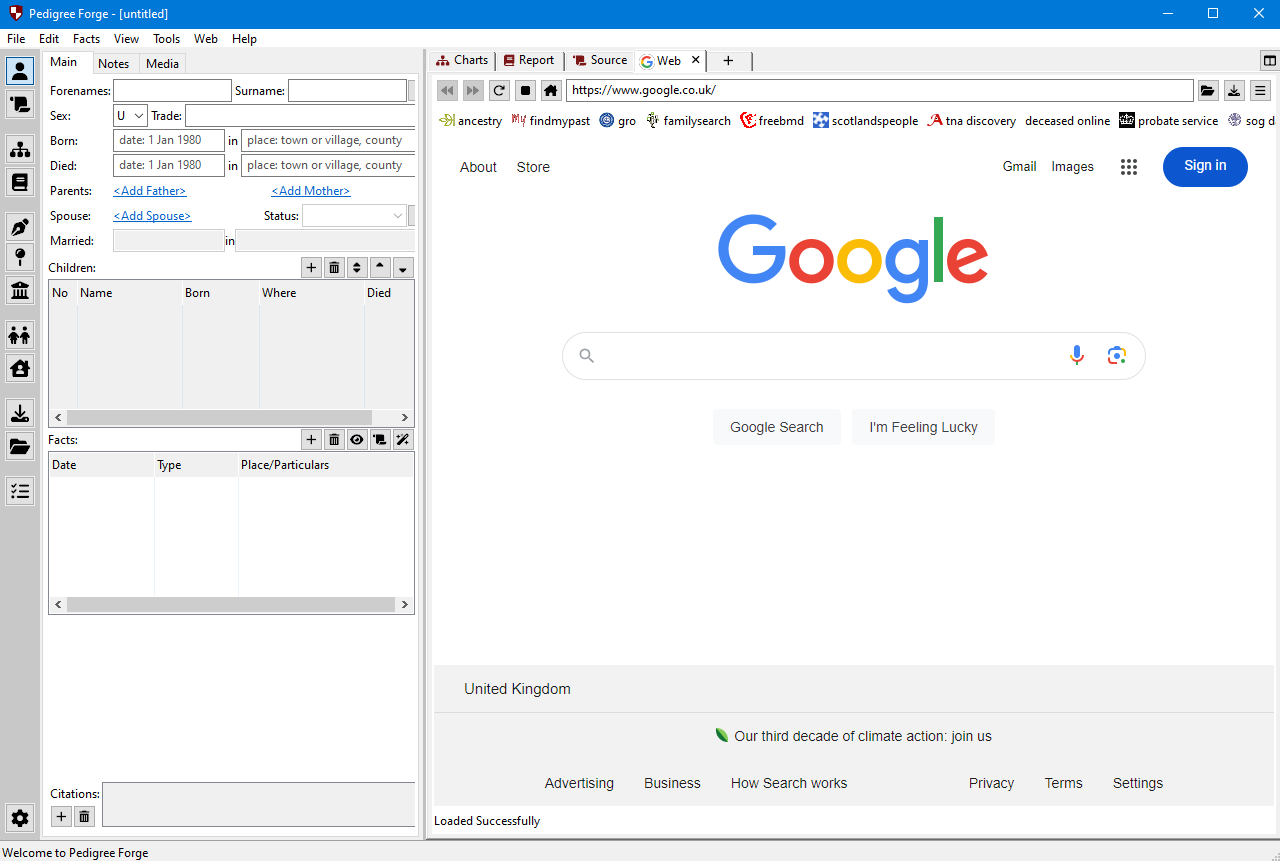
It helps at every stage in between: a web browser built in, with tools that take you straight to the records you need, and checks that point out what looks wrong — as you work, or as a full audit whenever you want one.

Built by a genealogist, for genealogists
I’m a genealogist and a programmer, and the program that became Pedigree Forge started over a decade ago as something I built for my own client work. It has been my everyday tool ever since, and most of what is in it was added because a particular piece of research needed it.
I have made it available because people saw the charts and reports it produces and repeatedly asked if they could use it themselves.
It is aimed at people who take their research seriously, whether that is professional work or your own family.
What it’s good at
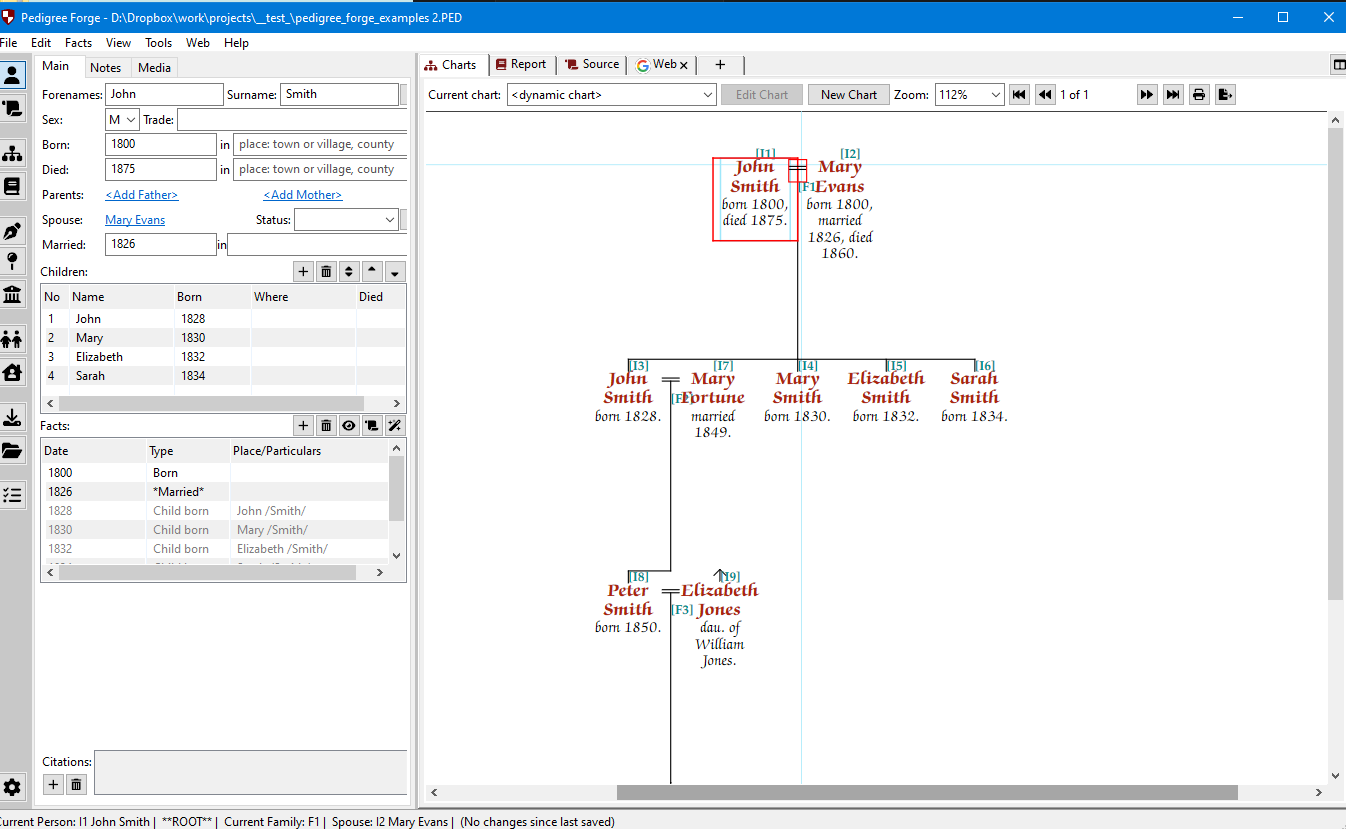
- Charts — drawn straight from your research, in the traditional styles, and built to fit the paper you are printing on. You choose the layout, the level of detail, and how the family is arranged, on anything from a single sheet up to a wall chart. If you have been drawing your family charts in PowerPoint, or by hand, because the software you have isn’t up to it, this is what Pedigree Forge was built for.
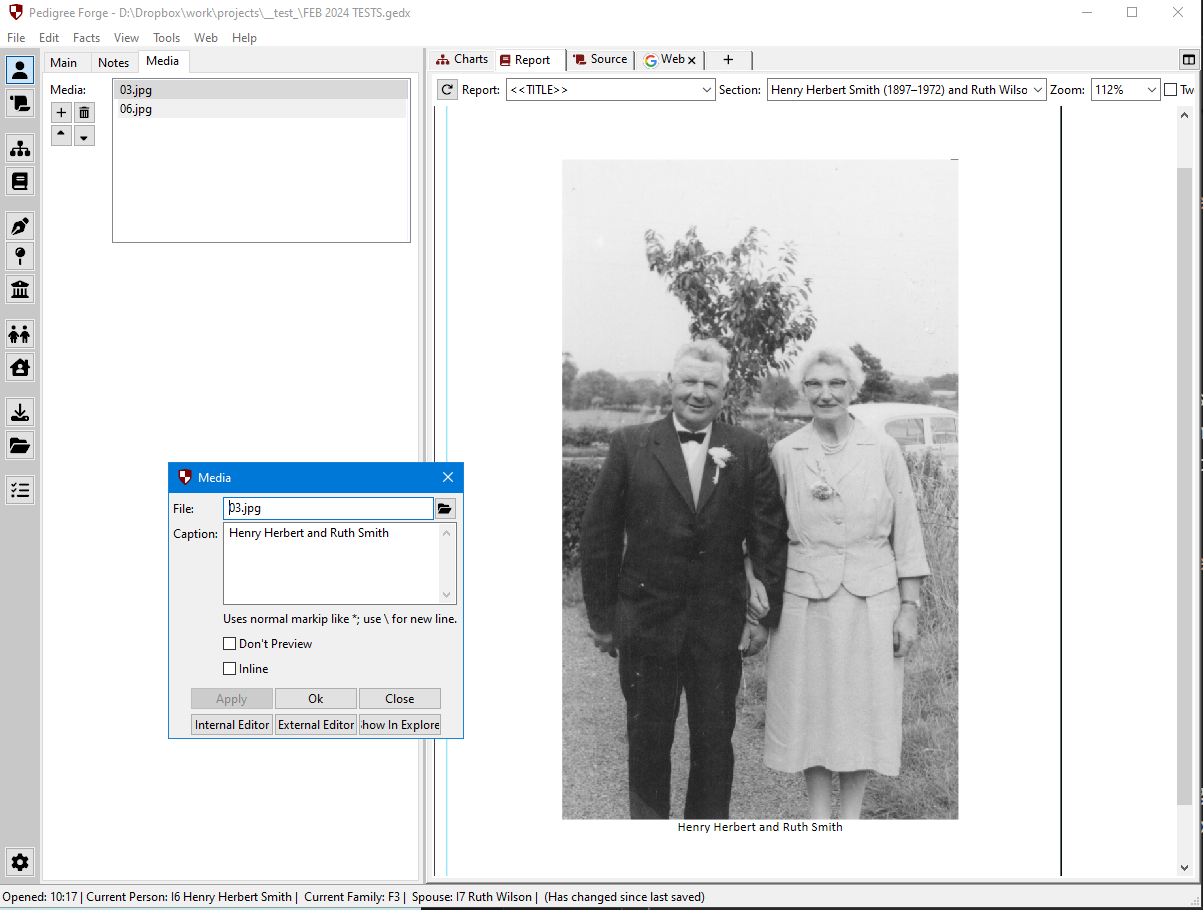
- Reports — more like a properly typeset book than a printout: the program writes the biography from your own facts and sources, with a footnote for every claim, and sets it out with contents, index and charts in place.
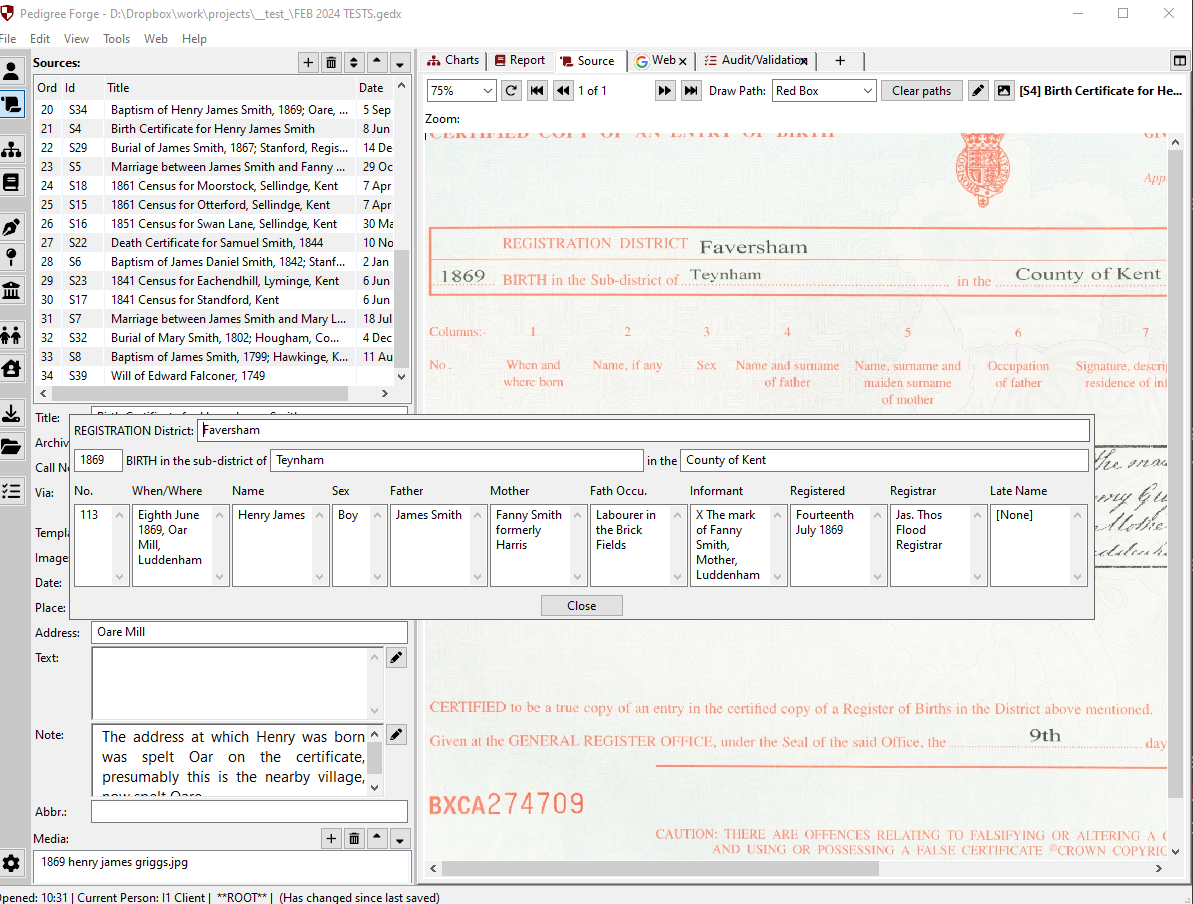
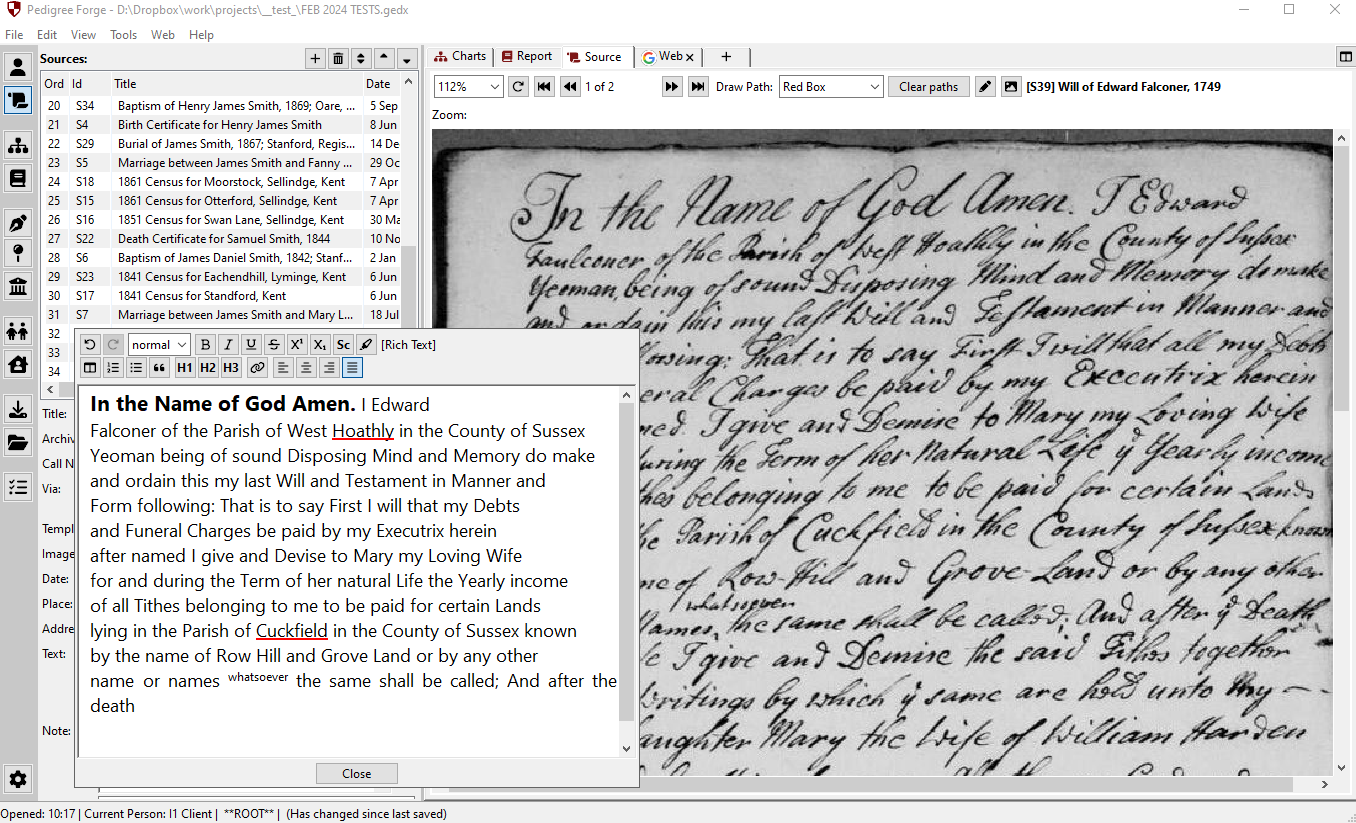
- Sources — censuses, certificates and parish registers transcribed into forms that follow the original, with every fact citing the record behind it.
- Checking — warnings as you work and a full audit, so mistakes and gaps show up early rather than after everything is written.